



In recent years, the world of PC gaming has been shifting away from its traditional, bulky towers—characterized by their reliance on electrical outlets and flashy RGB lights—towards more compact, portable solutions that still deliver impressive frame rates and resolutions.
In 2023, Asus entered the portable gaming PC market with the release of the ROG Ally, aiming to compete with Valve's well-received Steam Deck. While the Steam Deck operates on Linux, Asus opted for Windows, theoretically broadening game compatibility and making it easier to access various gaming platforms. Fast forward to 2024, the Ally X introduces a much-needed upgrade, enhancing both the design and functionality of its predecessor. Asus promises that the Ally X won’t damage SD cards this time around (more on that later).
It's important to note that the Ally X isn’t a complete overhaul of the 2023 Ally model. Priced at $799, it retains the same processor as the previous high-end model. The AMD Ryzen Z1 Extreme is more than capable of handling most modern games, from small indie gems to graphically intense titles like Cyberpunk 2077. The Ally X, however, boosts its performance with 24GB of faster memory and an exceptionally large 80Wh battery, allowing for extended gaming sessions without battery anxiety. It also retains the 7-inch, 1080p, 16:9 LCD screen which, while not as vibrant as OLED, offers impressive visuals (at least when not covered in fingerprints).
Although I have reservations about Windows as a platform for handheld gaming, the Ally X has made it difficult for me to revert to my Steam Deck. Despite this, I still believe Valve's device provides a superior gaming experience overall. However, the gap is closing, folks.
My experience with the Ally X
I'll delve into the specifics soon, but let me make it clear: The Ally X has delivered a fantastic portable gaming experience, and I expect it to continue doing so. It significantly enhances the experience offered by the original Ally and is compact enough to justify dealing with Windows.
As a New Yorker, I was eager to test the Ally X's portability. Although I was slightly hampered by the lack of a dedicated case (resorting to using the inner shell of my Steam Deck OLED case, which mostly fit), its smaller size compared to the Steam Deck was a definite plus during my daily commutes on trains and buses.
After overcoming initial frustrations with Windows 11, I was able to focus on gaming without much concern for hardware or software. I spent most of my time playing Flintlock, Elden Ring, Destiny 2 (which required a stable internet connection), and No Man’s Sky. All games ran smoothly at 40-60 frames per second, depending on my graphics settings. The screen supports a 120HZ refresh rate, allowing for even higher frame rates with compatible games.
Thanks to playing on my Steam account, I could seamlessly continue my gaming sessions on my more powerful home PC. Like the Steam Deck, the Ally X bridges the gap between home and portable PC gaming, offering excellent battery life and a form factor akin to pulling out a Nintendo Switch rather than the bulkier alternatives.
The Ally X offers an outstanding portable PC gaming experience at a price that, while slightly high, is justifiable for those seeking quality on-the-go gaming.
However, the choice of operating system, which isn’t entirely Asus’ fault, can lead to a challenging setup process and some exasperating quirks.
Windows %@*&ing sucks for this kind of gaming experience
My initial hour with the Ally X was spent configuring Windows. I had to log into my Microsoft account and decline offers for free trials of OneDrive, Microsoft 365, and other unnecessary services. Strangely, the device didn’t recognize my pin, requiring multiple resets.
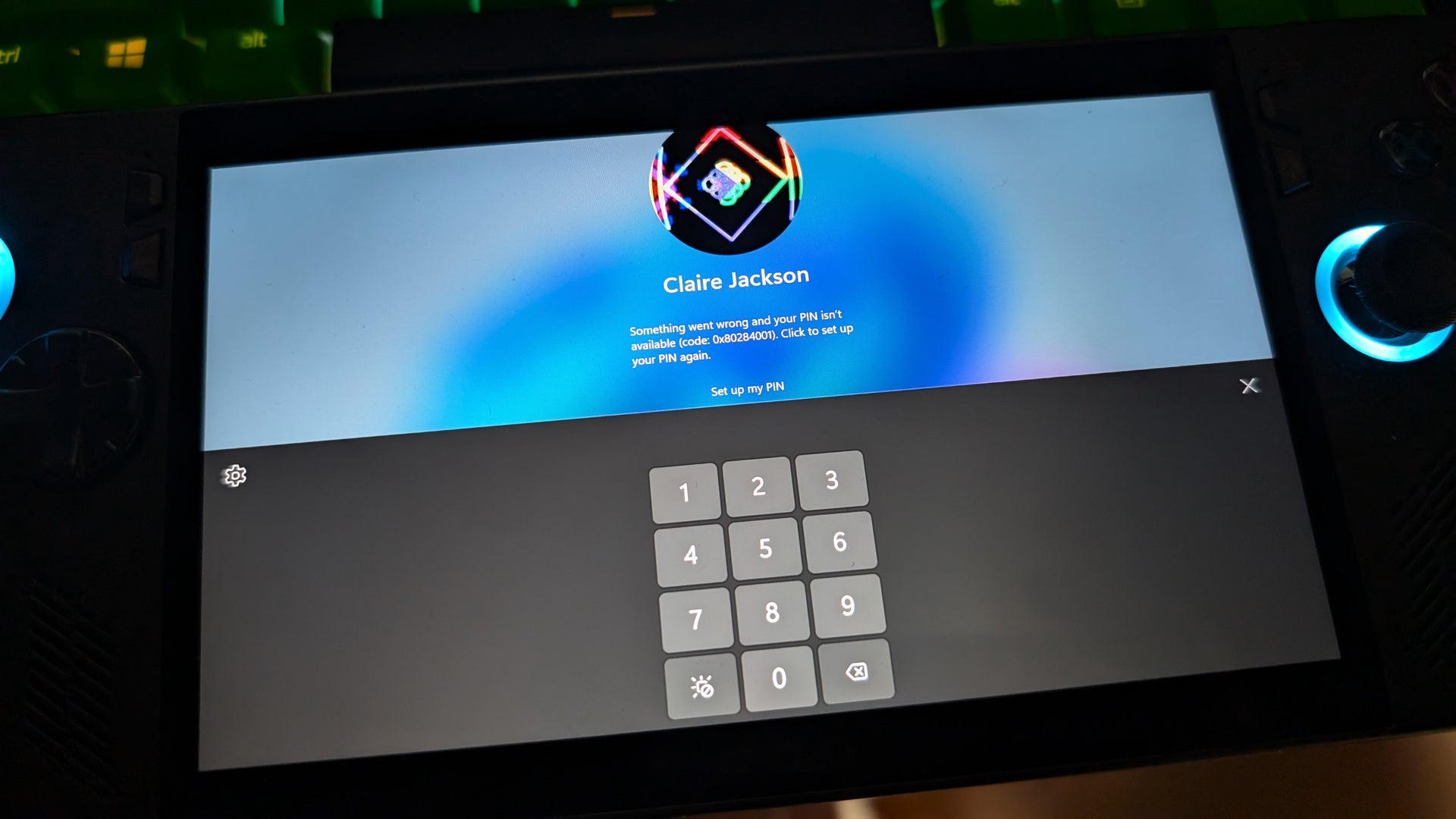
For security reasons, it's essential to have a pin to unlock the device, preventing unauthorized access. Since Windows doesn’t recognize controller input on its lock screen, I had to use the touch screen while repeatedly resetting my pin.
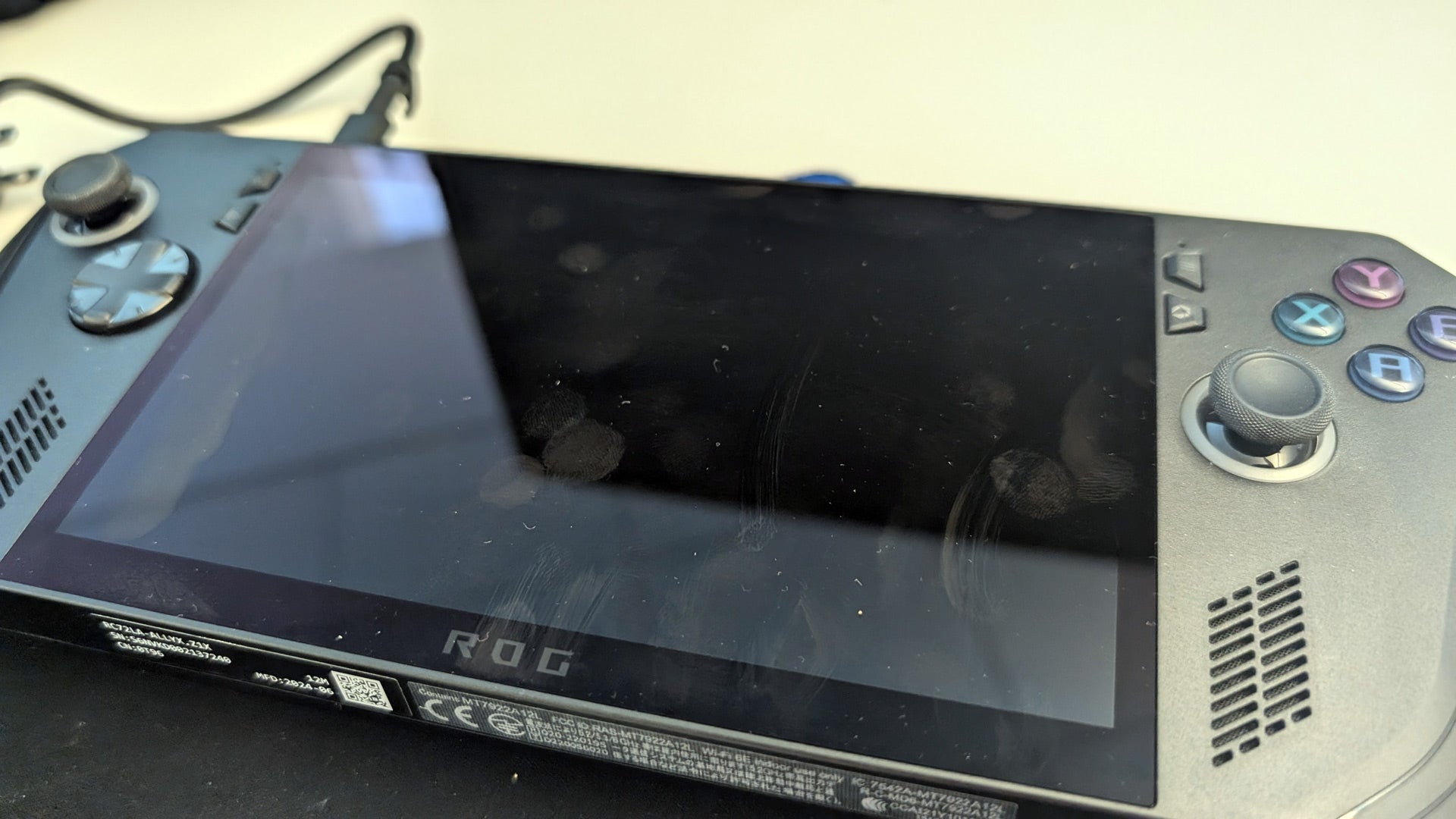
By the time I finished setting up Windows and entering my pin multiple times, I was worn out and left with a device covered in fingerprints, as I couldn’t use the controller to sign in.
The issues didn’t stop there. Windows continued to behave unpredictably. While playing Elden Ring, I’d often be kicked back to the desktop, with no easy way to return to the game. Without a keyboard, Alt + Tab wasn’t an option. I had to constantly swipe up to reveal the taskbar and click the game’s icon, only to be met with more fingerprints.
Suspending the device during transit was also inconsistent. Pressing the power button would sometimes cause the device to wake up unexpectedly. Although there are ways to optimize Windows for this form factor, the operating system is not ideal for portable gaming. It doesn’t compare to SteamOS on the Steam Deck or the seamless experience of a Nintendo Switch. I’d gladly trade some game compatibility for a gaming-specific OS that suits this form factor.
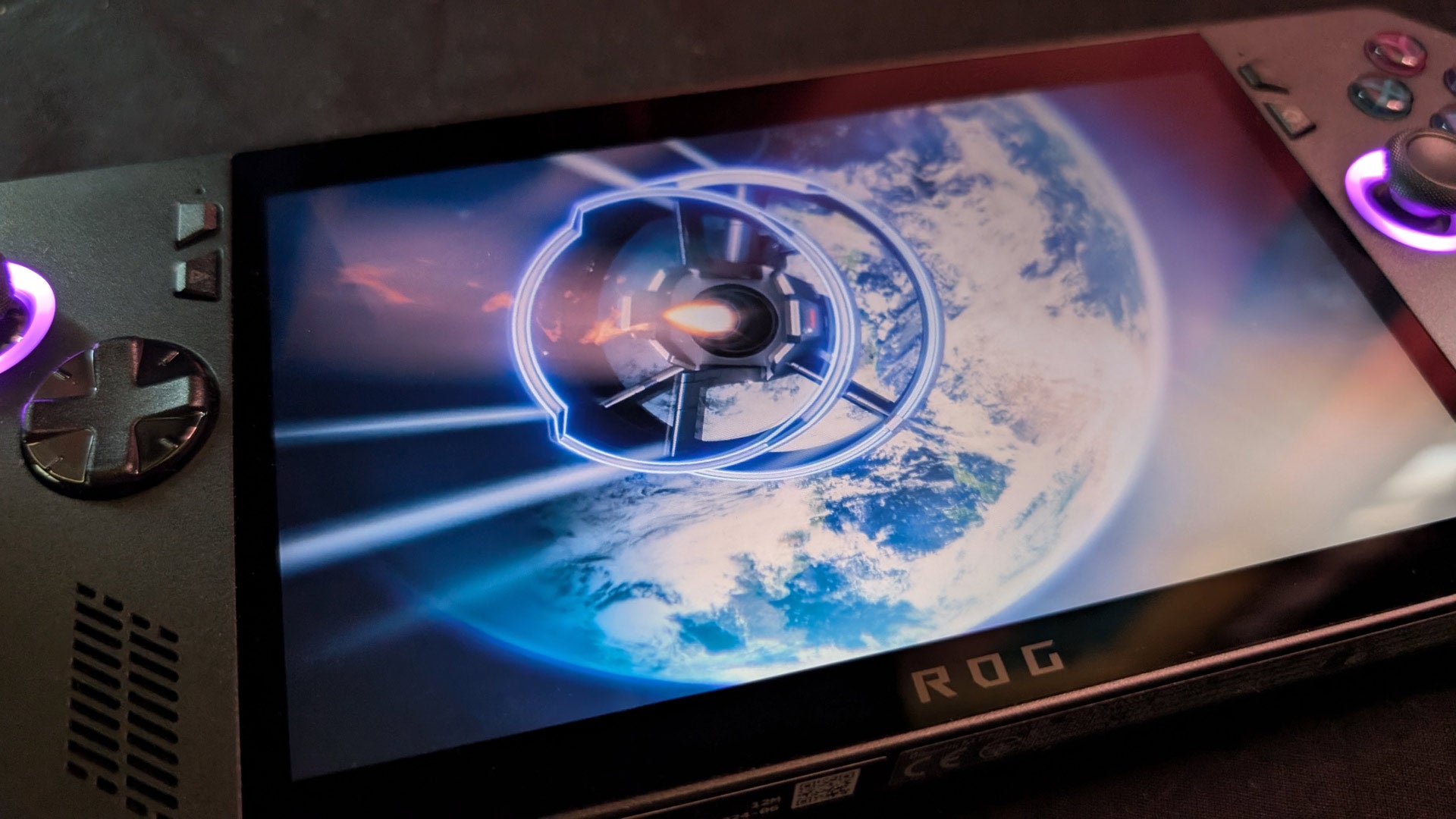
Asus Ally X
-
Back of the box quote
We fixed the SD Card reader (we promise!)
-
Type of device
Portable Windows-based gaming PC
-
Liked
Excellent battery life, great form factor, pretty screen
-
Disliked
Windows, fingerprint-prone screen
-
Manufacturer
Asus
-
Release date
July 22, 2024
-
Played
Daily use for about a week and half
Other issues arose, such as troubleshooting random Bluetooth disconnections with Pixel Buds Pro, which worked fine on other devices. Random Windows prompts were another annoyance, as was accidentally activating Co-Pilot.
Although Windows has improved in recognizing gamepads as input devices, it’s still advisable to set up your Ally X with a keyboard and mouse. While I loved the Ally X hardware, companies like Asus need to explore alternatives, or Microsoft should offer a more lightweight OS for gaming devices.
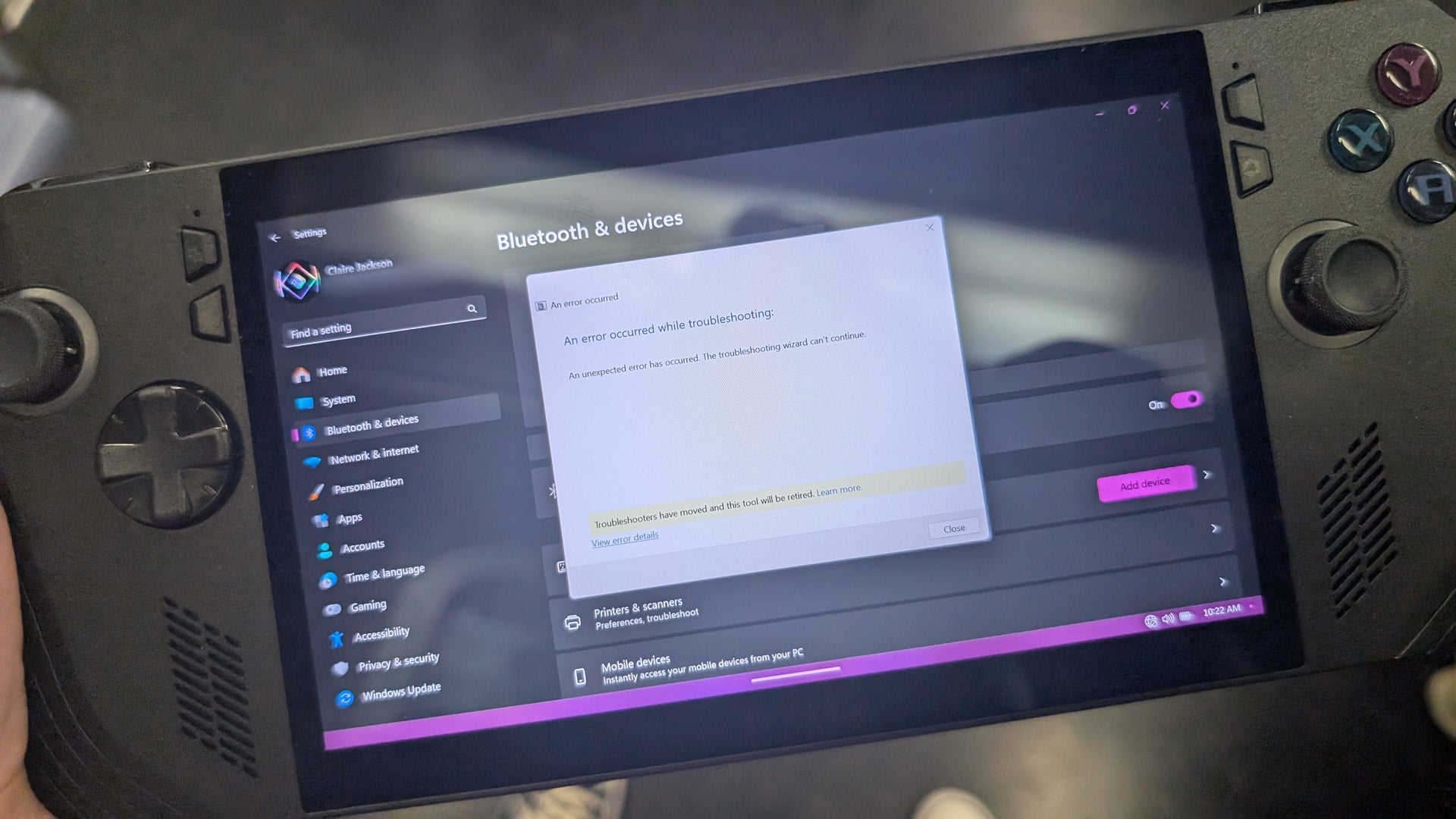
Something’s gotta give because this is not a great solution.
But once I got gaming, and Windows left me alone, damn, the Ally X rocks.
The Ally X just feels right
Upon first holding the device, the Ally X is immediately more comfortable than its predecessor and everything just feels more premium this time around. The shell has been tweaked a bit so it’s a touch larger than the original Ally, but its grips are less angular so it just rests in your hands more naturally. To be honest, I still find the Steam Deck to be more comfortable even if it is a larger device compared to the Ally X.
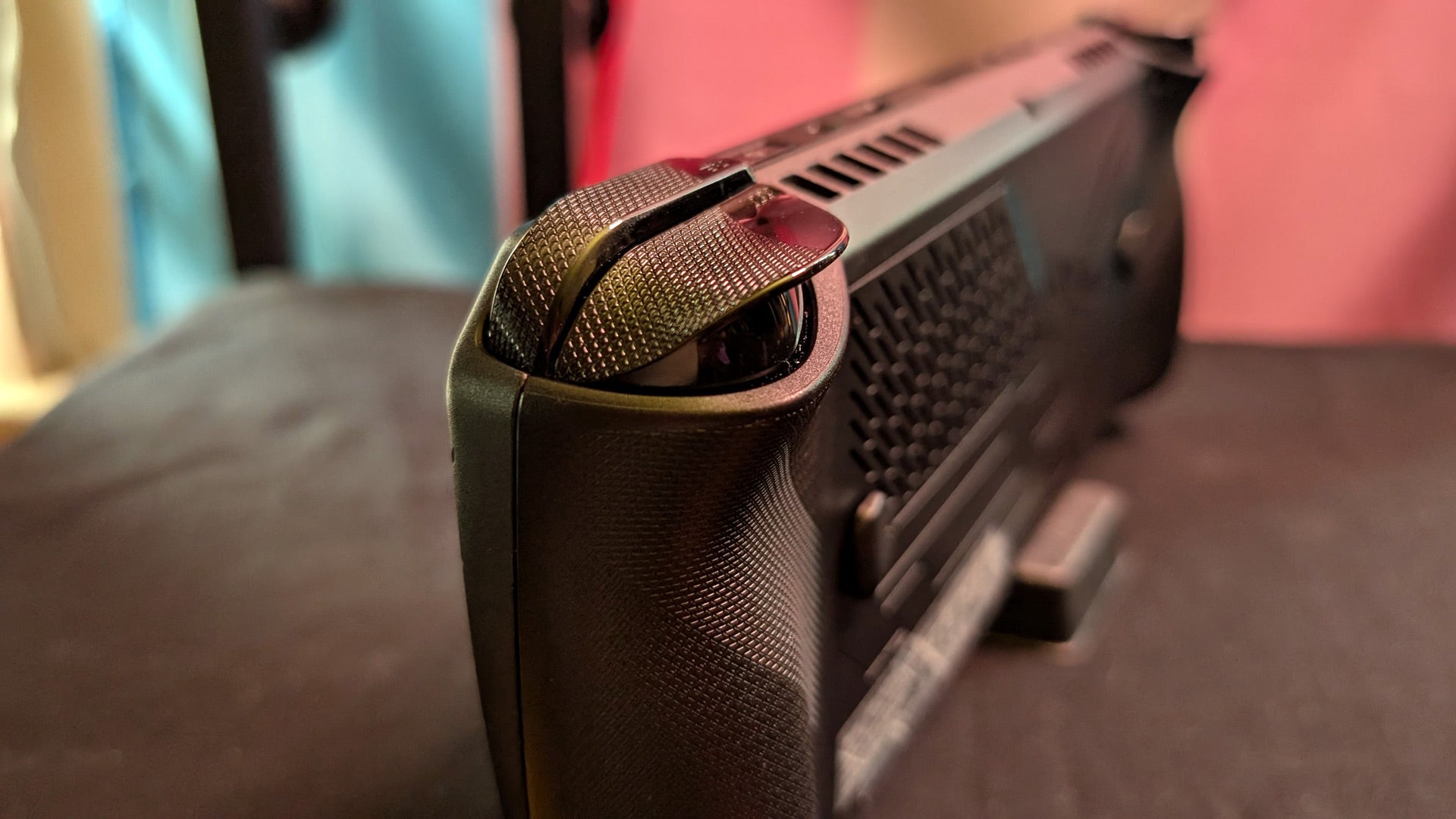
The triggers and bumpers have been reshaped and feel better. The same is true of the four face buttons, which, though still flat and less colorful as I’d like them to be, feel better to press than the original device. The thumbsticks, in particular, are excellent, with more resistance than the previous ones. The d-pad also got some love and feels more reliable and less slippy than the glossy one on the original. The dual rear buttons are also less prominent than the original Ally, which on that device I had found to be too prone to accidental presses.

I almost never thought about battery life
The Ally X ships with a 65W charger that gets the Ally X up to a full charge quickly (it’s compatible with a 100W charger if you want even faster charge times). I don’t remember how many times I charged this device, but it wasn’t an everyday requirement. You’ll get less battery life if you switch the device to its more powerful performance setting in Asus’ utility software, but even while playing modern games, battery life was beyond generous.
The Ally X is a touch heavier than the original Ally, but in my opinion, this helps it feel a little more “premium” in the weird way that extra weight sometimes does.
All of these form factor changes mean that if you’re considering an upgrade from the first Ally, you’re gonna have to go shopping for a new case and/or skin since it won’t be compatible with existing accessories for the first Ally.
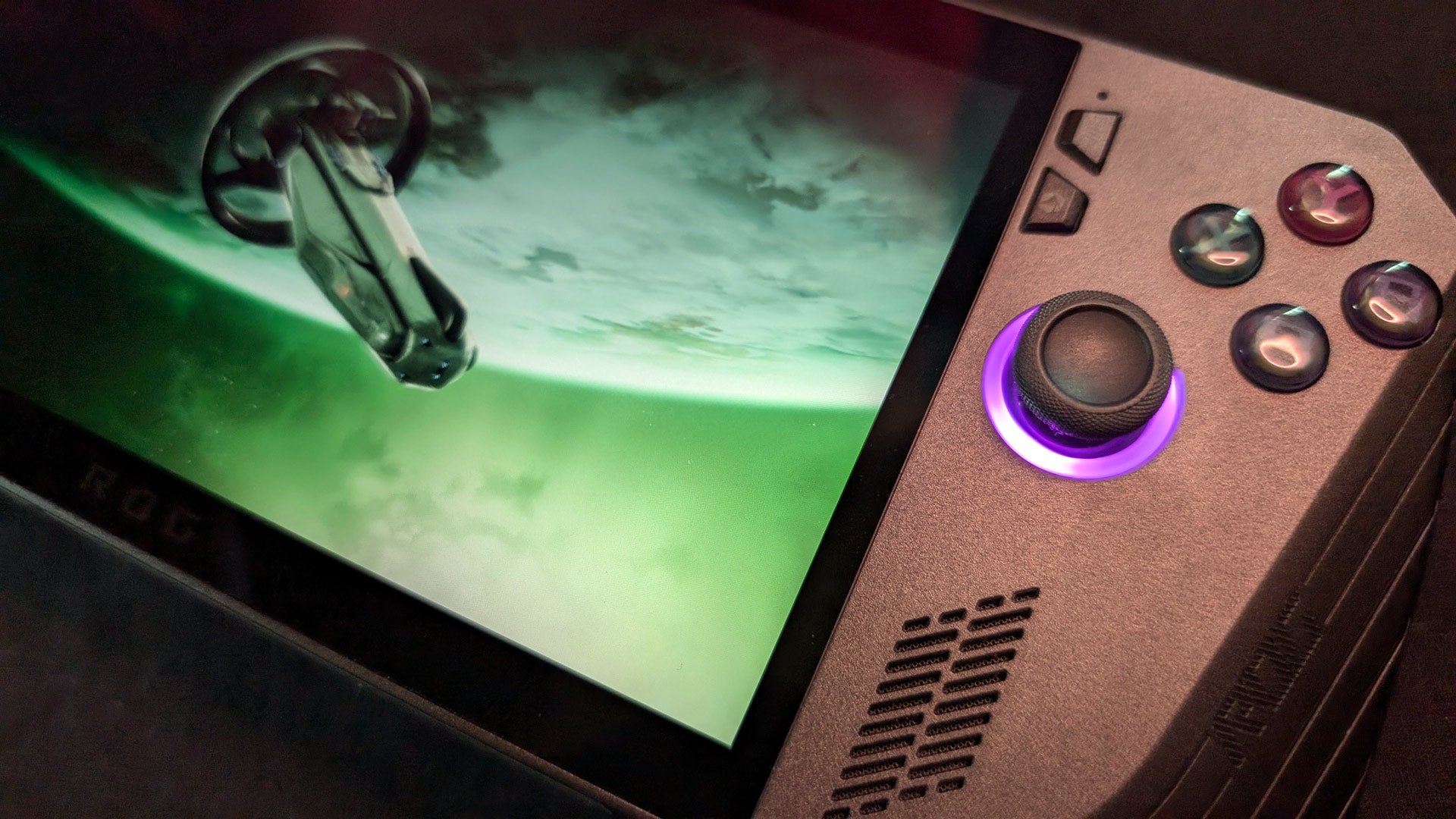
Finally, the choice to go with a slick matte black isn’t just aesthetically pleasing, it helped me focus a bit more on the game. While I like a colorful object as much as anyone else, the black case makes it easier for your eyes to focus on the screen more so than the bright white of the original Ally’s case.

What exactly did Asus upgrade?
Though it sports the same processor and 120HZ screen of the original Z1 Extreme Ally, the Ally X comes with twice the battery capacity, an additional 8 GB of RAM (which runs at a faster speed than the original), more cooling vents and improved fans to push heat out of the device. It also ships with 1TB PCIe 4.0 NVMe storage. Check out the one-to-one breakdown of both model’s specs on Asus’ blog .
Perhaps the best addition, however, is an extra USB-C port that can both charge the device and connect to peripherals or any USB4 compatible device. With the Ally X, Asus has made the case that these kinds of machines need two USB ports. You won’t need an external hub, for example, to charge the device while connecting it to a screen or other device. With two ports, the Ally X just feels more portable and less dependent on carrying around a bag full of extra stuff to sprout more connections into the device.
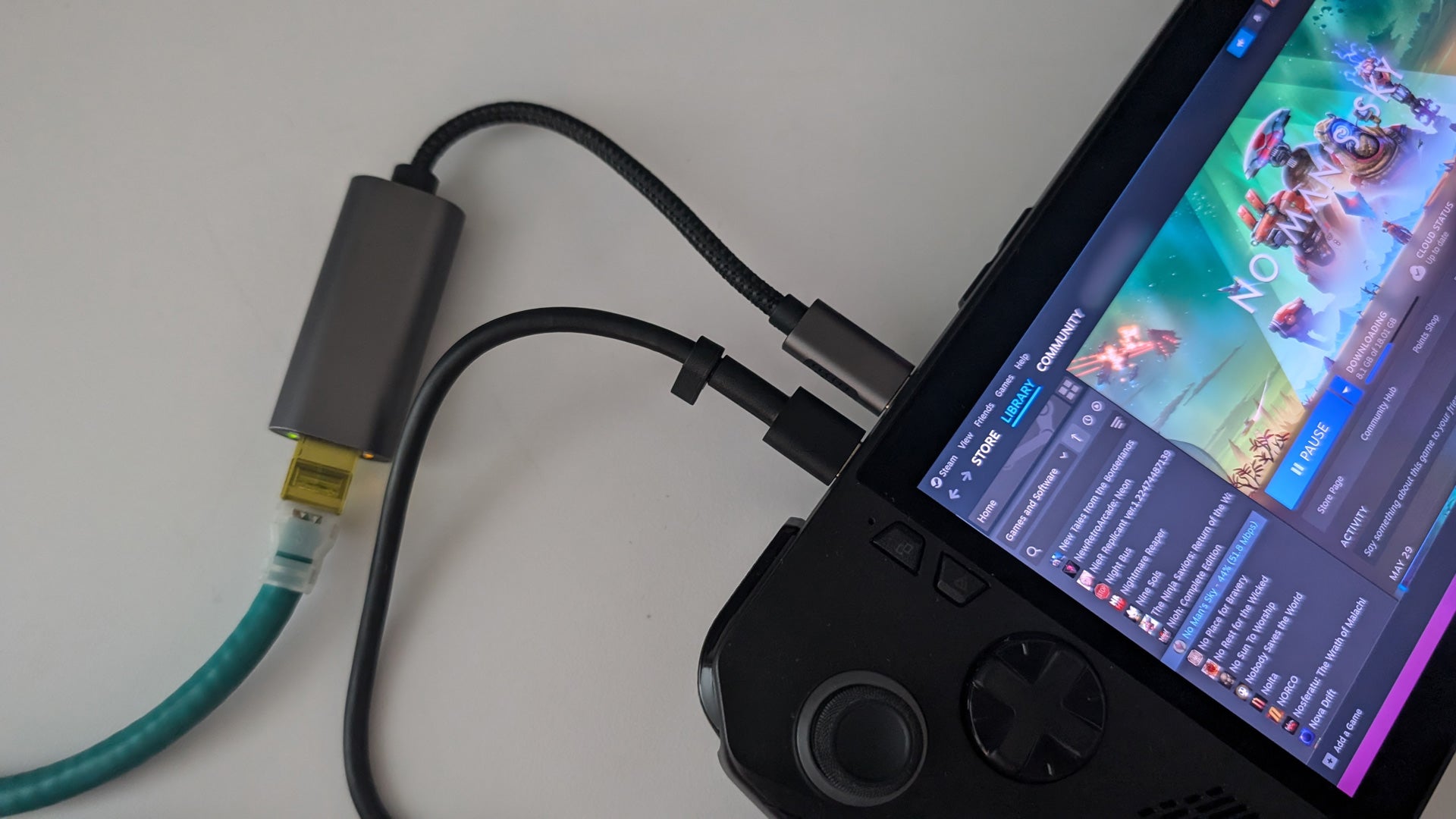
The Ally X is an excellent, premium-feeling portable PC gaming experience with fantastic battery life, a very pretty, color-rich screen, and increased utility with its additional USB C port.
The most minor of hardware complaints
I love the Ally X, as you might’ve noticed. But there were a few things I think could’ve been better (aside from Windows sucking the fun out of the room).
While the screen looks great, it is a fingerprint magnet. Given how much you need to use the touch screen to operate Windows to use the machine, that means a single session of gaming will see this thing smudged up pretty quickly. I found that I had to carry around a microfiber cloth to consistently wipe away the marks. The Ally X also repositioned its right thumbstick to be closer to the screen. This would often lead me to accidentally touch the screen with my right thumb. Not only would that leave more fingerprints, it would sometimes trigger something in-game as many games recognize a touch screen as a mouse click.


